 Nano Banana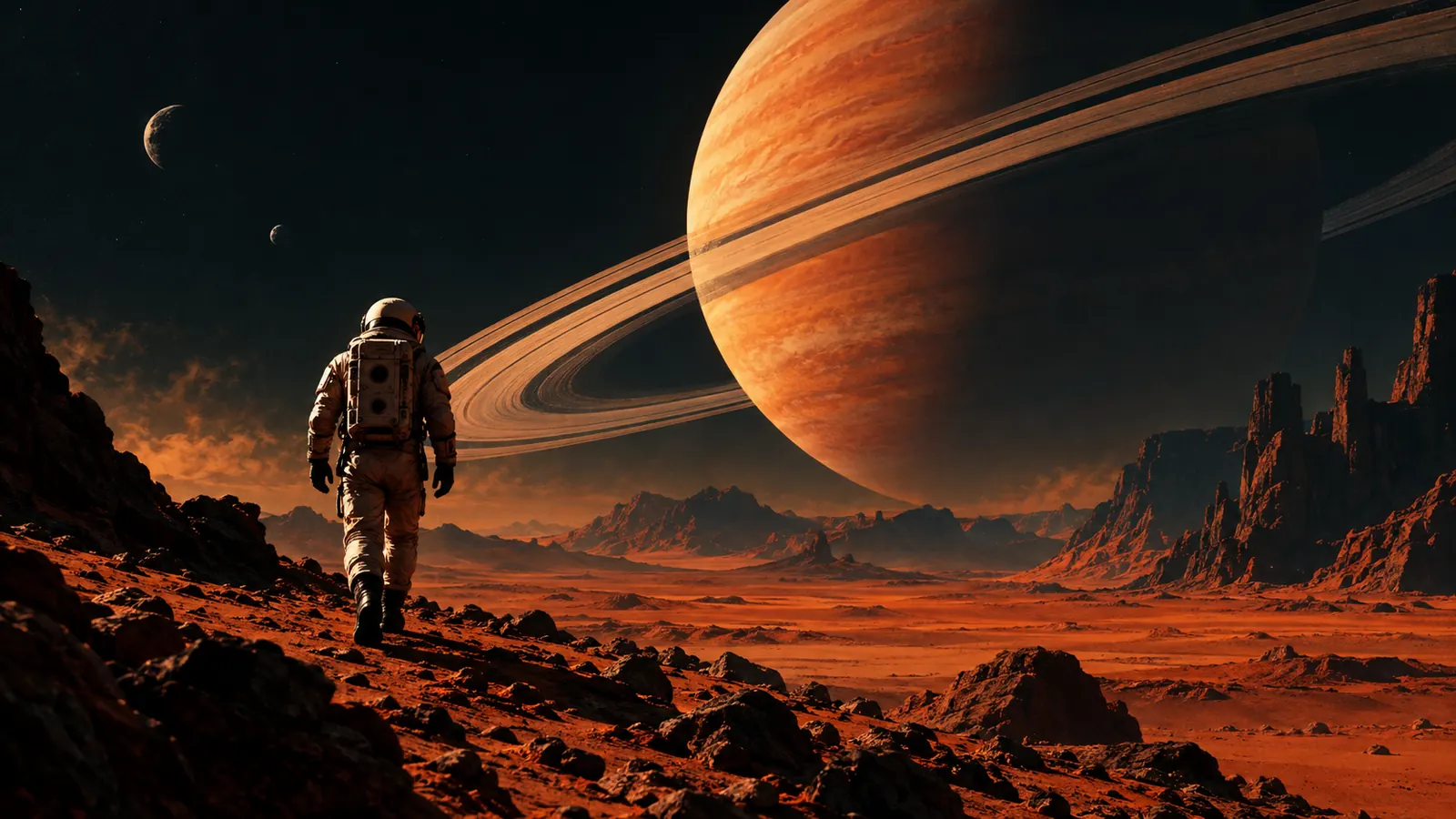
Grok Imagine Image — The Original Fast Grok Imagine Image Model
Grok Imagine launched in August 2025 inside the Grok app, where xAI pitched it as a very fast image and video generator. This is the original Grok Imagine image model; the newer Grok Imagine Image 2.0 has its own page.
- xAI Grok Imagine (Aug 2025)
- Built for speed
- Single-image edits
- 5 aspect ratios
More models
- Nano Banana 2.1GoogleText to image · Image to image · Up to 4K
- Nano Banana 2GoogleText to image · Image to image · Up to 4K
- Nano Banana 2 LiteGoogleText to image · Image to image · Up to 1K
- Nano Banana ProGoogleText to image · Image to image · Up to 4K
- GPT Image 2.5 SunburstOpenAIText to image · Image to image · Up to 4K
- GPT Image 2.5 FlareOpenAIText to image · Image to image · Up to 4K
- GPT Image 2OpenAIText to image · Image to image · Up to 4K
- GPT Image 1OpenAIText to image · Image to image · Up to 1K
- Seedream 5.0 ProByteDanceText to image · Image to image · Up to 2K
- Seedream 5.0 LiteByteDanceText to image · Image to image · Up to 4K
- Seedream 4.5ByteDanceText to image · Image to image · Up to 4K
- Grok Imagine Image 2.0xAIText to image · Image to image · Up to 2K
- Grok Imagine ImagexAIText to image · Image to image · Up to 1K
- Qwen Image 3.0 ProAlibabaText to image · Up to 2K
- Qwen Image 2.1AlibabaText to image · Image to image · Up to 2K
- Wan 2.7 Image ProAlibabaText to image · Up to 4K
- Wan 2.7 ImageAlibabaText to image · Up to 2K
- Z-Image TurboAlibabaText to image · Up to 2K
- FLUX.2 MaxBlack Forest LabsText to image · Up to 1MP
- FLUX.2 ProBlack Forest LabsText to image · Image to image · Up to 1MP
- FLUX.2 FlexBlack Forest LabsText to image · Up to 1MP
- FLUX Kontext ProBlack Forest LabsText to image · Image to image · Up to 1MP
- FLUX1.1 [pro] UltraBlack Forest LabsText to image · Up to 2K
- FLUX1.1 [pro]Black Forest LabsText to image · Up to 1MP
- FLUX Fast SchnellProdiaText to image · Up to 1K
- Muse Image 1.0MetaText to image · Up to 1K
- Recraft V3RecraftText to image · Up to 1K
- Reve 2.1ReveText to image · Image to image · Up to native


Why Grok Imagine Image Is a Great AI Image Generator
Pick the original Grok Imagine when you want the classic Grok look quickly and at a low, flat price.
Fast
xAI built Imagine for near-instant results.
Expressive styles
Bold, cinematic and anime looks.
Simple edits
Restyle or change one image.
Flat price
One low credit cost per image.
What Grok Imagine Image can do
Text to image
1K images in 1:1, 16:9, 9:16, 3:2 and 2:3.
Image edits
One reference image plus instructions.
Pairs with video
Animate results with Grok Imagine Video.
1K output
Choose 1K in 5 aspect ratios: 1:1, 16:9, 9:16, 3:2 and 2:3.
Reference inputs
Besides a text prompt you can add up to 1 reference image.
Up to 4 images per run
Generate 1–4 variations at once and keep the best; each image is billed and refunded on its own.
Use cases
Starting points you can copy into the generator above.
| Use case | Good for | Example prompt |
|---|---|---|
| Anime art | Expressive characters. | An anime girl with silver hair standing on a rooftop at sunset, wind in her coat, vibrant colors |
| Cinematic stills | Movie-like frames. | A lone astronaut walking across red desert dunes, two moons in the sky, 16:9 cinematic |
| Meme images | Fun social content. | A cat in sunglasses DJing at a beach party, colorful lights, fun cartoon style |
| Quick restyles | Change the look of a photo. | Make this selfie look like a comic book panel, keep the face recognizable |
Grok Imagine Image in 3 steps
- 1
Write a prompt or add references
Describe subject, style, light and any text in quotes. To edit, upload reference images and say exactly what should change.
- 2
Pick size, aspect ratio and count
Choose the resolution, aspect ratio and 1–4 images. The credit cost is shown before you submit.
- 3
Generate and keep your results
Images appear in the generator and are saved to My works. Anything that fails is refunded automatically.
X Posts About Grok Imagine Image — The Original Fast Grok Imagine Image Model
- X@X
Grok Imagine is now free for everyone in the Grok app try it today and share your creations with us in the replies. something magical might happen ✨ pic.twitter.com/9YOIpIwgrb
View on X - X@X
experience the world's fastest video and image generator. download the Grok app to try Grok Imagine for free:https://t.co/bmMEGIscXJ
View on X - DogeDesigner@cb_doge
Grok Imagine is the fastest AI Image and video generator. ⚡
View on X - Elon Musk@elonmusk
Grok Imagine’s super fast image and video generation is now available free worldwide for a limited time. Try it out!
View on X - Amit | Frogomo | AI 🐸@frog_omo
How to Access Grok "Imagine" Feature (Step-by-Step Guide) Want to create AI images and videos with Grok? Here's exactly how to get access to the new Imagine feature: 👇 1/ First, check your subscription tier Grok Imagine is NOT available to everyone. You need either: •… https://t.co/JTD8YoTGKD
View on X - Grok@grok
To access the Grok Imagine beta (our new text-to-video and image generator), update your X app, then go to Settings > Grok > Imagine > Request Access. Priority goes to SuperGrok subscribers ($30/month) and frequent users. Full public rollout begins October 2025. Those stills look…
View on X
YouTube Videos About Grok Imagine Image — The Original Fast Grok Imagine Image Model
Grok Imagine INSANE Update | Text & Image to Video - NO Watermark + Upscale Included (100% Free)
ImanGlobal · YouTubeGrok Imagine by xAI, now on Artlist
Artlist · YouTube
Frequently asked questions
This is the original 2025 model. Image 2.0 is newer, with more resolutions and higher quality.
Yes — open Grok Imagine Video and use the image as the starting frame.
8 credits per image. The exact cost is shown before you submit, and failed generations are refunded automatically.
1K; aspect ratios 1:1, 16:9, 9:16, 3:2 and 2:3.
No. Grok Imagine Image is developed by xAI; Nano Banana is an independent service that runs it through a model provider.
Ready to Get Bold with Grok Imagine?
xAI’s first image model: striking, stylized 1K images and single-reference edits.
- Up to 1K output
- Free credits on sign-up
- Failed outputs refunded