 Nano Banana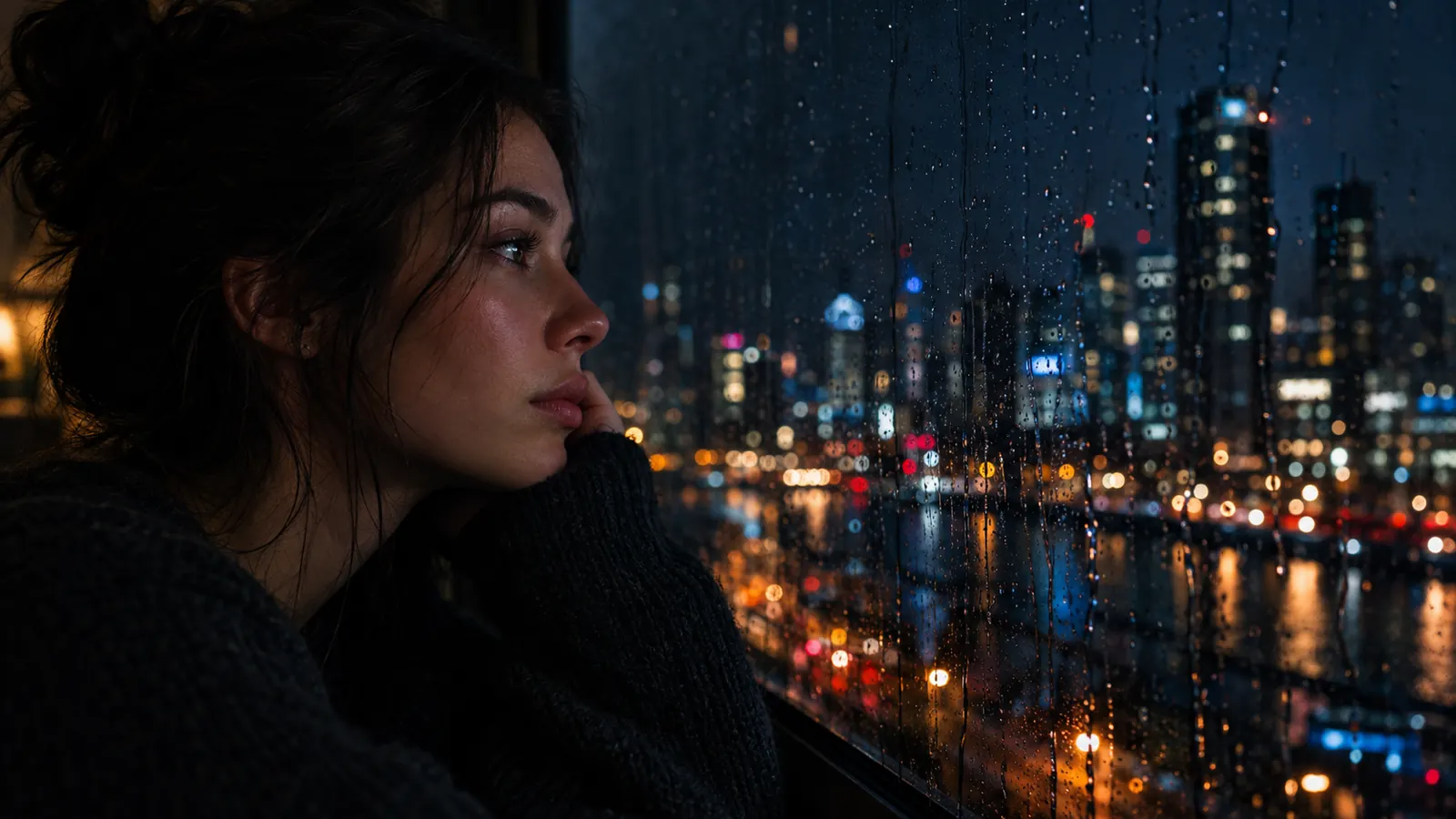
Wan 3.0 — Alibaba's AI Video Generator with Native Sound and Realistic Faces
Wan 3.0 is Alibaba's latest video model. It generates natural faces and expressions, keeps characters and props consistent, and adds dialogue, music and sound effects. Type a prompt below to try it.
More models
- Veo 3.1GoogleText to video · Frames · Up to 4K · Up to 8s
- Veo 3.1 FastGoogleText to video · Frames · Up to 4K · Up to 8s
- Seedance 2.5ByteDanceText to video · Frames · References · Up to 720p · Up to 30s
- Seedance 2.0ByteDanceText to video · Frames · References · Up to 1080p · Up to 15s
- Seedance 2.0 FastByteDanceText to video · Frames · References · Up to 720p · Up to 15s
- Seedance 2.0 MiniByteDanceText to video · Frames · References · Up to 720p · Up to 15s
- Seedance 1.5 ProByteDanceText to video · Frames · Up to 1080p · Up to 12s
- Kling 3.0Kling AIText to video · Frames · References · Up to 1080p · Up to 30s
- Kling 2.6Kling AIText to video · References · Up to 1080p · Up to 30s
- Wan 3.0AlibabaText to video · Frames · References · Up to 1080p · Up to 15s
- Wan 2.7AlibabaText to video · References · Up to 1080p · Up to 15s
- Wan 2.6AlibabaText to video · Frames · References · Up to 1080p · Up to 15s
- MiniMax H3 MaxMiniMaxText to video · Frames · References · Up to 768P · Up to 15s
- MiniMax H3MiniMaxText to video · Frames · References · Up to 2K · Up to 15s
- Hailuo 2.3MiniMaxText to video · Frames · Up to 1080p · Up to 10s
- Hailuo 2.3 FastMiniMaxFrames · Up to 1080p · Up to 10s
- Gemini Omni 1.1 FlashGoogleText to video · Frames · References · Up to 4K · Up to 10s
- Grok Imagine VideoxAIText to video · Frames · Up to 720p · Up to 30s
- HappyHorse 1.1AlibabaText to video · Frames · Up to 1080p · Up to 10s


Why Wan 3.0 Is a Great AI Video Generator
Wan 3.0 is a flexible, affordable video model. It is strong on people — faces, micro-expressions and speech — and it can build scenes from as many as 10 reference images.
Realistic faces
Natural skin, eye movement and micro-expressions make close-ups and talking shots convincing.
Dialogue, music and effects
Generates spoken lines, background music and sound effects together with the picture.
Consistent characters and props
Use up to 10 reference images to keep people, products and objects looking the same.
Stable text and UI
On-screen text, signs and interfaces stay readable instead of warping.
What Wan 3.0 can do
Text to video
Describe the scene, the action and the sound in one prompt.
First and last frame
Upload 1 image to start from, or 2 to set the start and end of the clip.
Up to 10 reference images
Combine characters, outfits, products and locations from several images into one scene.
Flexible durations
2, 3, 4, 5, 10 or 15 seconds — from a quick loop to a full short scene.
Affordable drafts
Start at 480p for low-cost tests, then render the final at 720p or 1080p.
6 aspect ratios
16:9, 4:3, 1:1, 3:4 and 9:16, or Adaptive to follow your input image.
Use cases
Starting points you can copy into the generator above.
| Use case | Good for | Example prompt |
|---|---|---|
| Talking-head clips | Presenters and characters speaking with natural expressions. | A friendly woman in her thirties sitting in a bright home office looks at the camera and says "Here are three tips for better sleep", gentle smile, natural light, soft background music |
| Product showcases | Keep a product exactly on-brand using reference images. | The headphones from the reference images rest on a wooden desk, a hand picks them up and puts them on, the screen behind shows the text "Focus Mode On", subtle electronic sound |
| App and UI demos | Screens and on-screen text that stay legible. | Close-up of a phone screen scrolling through a recipe app, the title "Easy Pasta Night" clearly visible, a finger taps the Start button, soft click sounds |
| Character series | The same character across several clips. | The boy in the yellow hoodie from the reference images skateboards down a seaside promenade at sunset, waves and wheels on wood, tracking shot |
| Quick loops | 2–3 second clips for stickers, banners and backgrounds. | A steaming cup of tea on a windowsill while rain runs down the glass, seamless calm loop, soft rain sound |
| Music-backed scenes | Short mood clips with generated background music. | A night drive through a city with neon reflections on the windshield, lo-fi hip hop music playing, slow dreamy camera, 16:9 |
Wan 3.0 in 3 steps
- 1
Describe the scene or add images
Write the action, lines and sounds, or use first/last frame (1–2 images) or reference mode (1–10 images).
- 2
Pick duration, resolution and format
Choose 2–15 seconds, 480p to 1080p, an aspect ratio and whether to generate audio. The credit cost is shown before you submit.
- 3
Generate and keep your video
Videos take a few minutes and are saved to My works. If a video fails, its credits are refunded automatically.
X Posts About Wan 3.0 — Alibaba's AI Video Generator with Native Sound and Realistic Faces
- Wan@Alibaba_Wan
Introducing Wan3.0 — now in Public Beta. Simple Input. Smart Creation. Where Imagination Meets Reality. • Native 30-Second Video Generation • Reality-Grade Rendering • Omni-Reference: Beyond text, images, audio, and video—now with documents, spreadsheets, slides, webpages,… pic.twitter.com/hXaLc9bJax
View on X - Wan@Alibaba_Wan
This is where AI video starts getting interesting. One prompt. → cinematic motion → 1080p output → generated sound Johnny Mai from Alibaba Cloud and Jordan Urus from Venice ai put Wan3.0 through a simple end-to-end workflow. The distance between an idea and a finished scene… pic.twitter.com/Ff3tSDG9tO
View on X - DStudioproject@D_studioproject
What I wanted to know with WAN 3.0 wasn’t whether it could make another flashy AI clip. I wanted to see if it could hold a quieter visual idea together long enough to actually feel intentional, restrained camera movement, subtle human performance, natural texture and the kind of… https://t.co/quhEnwZcBT pic.twitter.com/G62yc15jmA
View on X
YouTube Videos About Wan 3.0 — Alibaba's AI Video Generator with Native Sound and Realistic Faces
Wan 3.0 Is Here — 30-Second AI Videos in One Pass
Tech With Hamza · YouTubeWan 3.0 Just Changed AI Video Generation
Julian Goldie SEO · YouTubeTesting Wan 3.0: Next-Gen 30-Second Video Generation + Omni Reference
TECH DYNAMO · YouTubeI Tested WAN 3.0 With 5 INSANE AI Video Challenges
AI Biceps · YouTubeI Tested This New AI Video Generator and the Results are BREATHTAKING! | Wan 3.0
AI PIPELINE · YouTube【無料でも使える】Seedance 2.0超えの動画生成AI「Wan 3.0」完全ガイド! ~激安ハイスペで、テキスト→動画&動画編集で世界1位・30秒(1080p)の動画を作れる~
AI大学【AI&ChatGPT最新情報】 · YouTube
Frequently asked questions
People and consistency: realistic faces and expressions, characters and props that stay the same across shots, readable on-screen text, plus native dialogue, music and sound effects.
It scales with duration and resolution — for example 124 credits for 5 seconds at 720p in 16:9. The range is 25 to 1,126 credits; the exact cost shows before you submit, and failed videos are refunded.
Up to 15 seconds on this site: 2, 3, 4, 5, 10 or 15 seconds.
Up to 10 in reference mode, or 1–2 in first/last-frame mode — JPEG, PNG or WebP, up to 10 MB each.
480p, 720p or 1080p. Aspect ratios 16:9, 4:3, 1:1, 3:4, 9:16 or Adaptive.
No. Wan is an Alibaba model; this is an independent service that runs it through a model provider.
Ready to Mix Every Input with Wan 3.0?
Multimodal video from text, frames or up to 10 references, in 1080p with native audio.
- Clips up to 15s
- Native audio
- Failed outputs refunded